Polarsteps not working? Fixes for the most common 2026 problems
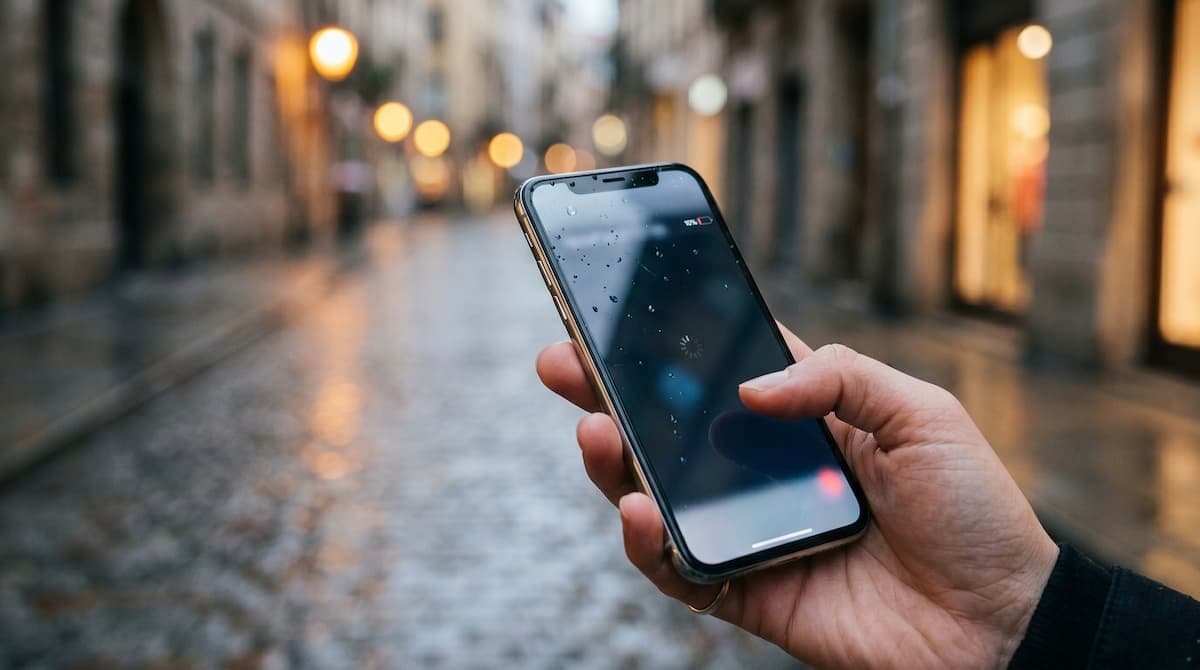
You're on the road, you open Polarsteps to add today's photos, and something's wrong. The route's stopped tracking. The app keeps crashing on launch. Last night's photos didn't sync. The map's stuck on a grey screen.
We've put together this troubleshooting guide for the most common Polarsteps issues people hit in 2026, in rough order of how often they come up. Work through them top-to-bottom and you'll fix most things in under ten minutes.
Disclosure: this post lives on the venture out blog, which is a Polarsteps alternative. We've kept this post genuinely useful for Polarsteps users — the only "switch to us" pitch is at the bottom, under "If nothing here works", and even then we list other options too. Most problems below have a real fix.
Before you start: check the status
Before digging into your phone settings, check whether Polarsteps itself is down. Two quick checks:
- Polarsteps' status page (if it has one — try
status.polarsteps.com). - Twitter/X — search
polarsteps downand sort by Latest. If there's a widespread outage, you'll see other people complaining within minutes.
If the service is down, none of the fixes below will help. Wait it out — most outages resolve within a few hours.
1. Route tracking stopped
The single most common Polarsteps complaint: you set out on a trip, the route tracks for a few days, and then it just… stops. The fixes, roughly in order of likelihood:
Location permissions changed. iOS and Android both periodically prompt you to confirm "always" location access, and the default after a few weeks is to downgrade to "while using". Polarsteps needs "always" to track your route in the background.
- iOS: Settings → Polarsteps → Location → Always, and turn on Precise Location.
- Android: Settings → Apps → Polarsteps → Permissions → Location → Allow all the time.
Background app refresh is off. A common gotcha — turning on Low Power Mode disables background refresh app-wide.
- iOS: Settings → General → Background App Refresh → on, and confirm Polarsteps is enabled.
- Android: Settings → Apps → Polarsteps → Battery → Unrestricted.
Battery optimisation killed it. Manufacturer-specific battery optimisation (especially aggressive on Samsung, Xiaomi, Huawei) will kill Polarsteps in the background to save battery.
- Find your device's battery-optimisation settings (path varies) and add Polarsteps to the exception list / don't optimise list.
You went into Airplane Mode. Obvious one but easy to miss — if you've been on a plane or in tunnel/no-signal stretches, Polarsteps' track will have gaps. Once you reconnect, the gap stays a gap.
2. App keeps crashing on launch
Standard mobile app troubleshooting applies, in order:
- Force-quit and reopen. iOS: swipe up from bottom, swipe Polarsteps up. Android: Recent Apps, swipe Polarsteps away.
- Restart the phone. Genuinely fixes a surprising number of these.
- Update the app. App Store / Play Store → Polarsteps → Update if available.
- Free up storage. Polarsteps caches photos and map tiles aggressively. If your phone is at <2GB free, the app can crash. Settings → General → iPhone Storage (or Android equivalent) and clear something out.
- Uninstall and reinstall. Important — sign out before uninstalling, and check your trips are visible on polarsteps.com on the web first, so you know your data is safe on the server. Reinstalling should restore everything from the cloud.
3. Photos won't sync
Symptoms: photos you added on the phone don't show up on the web; photos uploaded from the web don't show on the phone.
- Check Wi-Fi-only setting. Polarsteps defaults to uploading photos only over Wi-Fi to save data. If you've been on cellular for days, the photos are queued, not lost. Connect to Wi-Fi and let the queue drain.
- Force a sync. Pull-to-refresh on the trip view forces an outbound sync.
- Check the upload queue. Some versions of the app expose a "Pending uploads" screen — confirm photos haven't errored out individually.
- Photo permissions. iOS/Android may have restricted Polarsteps to "Selected Photos" only. Settings → Polarsteps → Photos → All Photos (iOS) or equivalent.
- Original file deleted. If you deleted the original photo from your camera roll before it synced, Polarsteps can't upload what's no longer on the device. This one's not recoverable.
4. Map shows grey tiles / won't load
Almost always a connectivity issue.
- Check the offline map area. If you downloaded an offline area for the trip, only zoom levels within that download will render fully. Outside it, you'll see grey.
- Connect to Wi-Fi or cellular. Force-quit and reopen the app once you have a connection.
- Long-pending tile updates. Polarsteps occasionally pushes new map versions; the first load after an update can be slow. Give it 30 seconds before assuming it's broken.
5. Trip won't end / won't publish
The "End trip" button does nothing, or you tap "Publish" and nothing changes.
- Connectivity. End-trip is a server action. Without signal it queues; some versions don't surface that clearly. Reconnect and try again.
- Background upload still running. If you have a big photo backlog uploading, end-trip can wait until the queue drains. Watch the upload count and try again when it's zero.
- App version mismatch. Make sure the app is on the latest version. Old builds occasionally have end-trip bugs that newer ones fix.
- Trip was already ended. Sometimes the action succeeded server-side but the local UI didn't update. Force-quit and reopen — the trip should now show as ended.
6. Sync conflict / duplicate stops
You add a stop on the phone, the same stop appears twice on the web. Or vice versa.
This is usually transient — Polarsteps de-duplicates within a few minutes. If duplicates persist:
- Delete one of the duplicates manually from the web interface (it's cleaner than from the app).
- Confirm both devices are signed into the same account — having two Polarsteps accounts and unknowingly switching between them is the most common root cause.
7. The photo book is broken / images out of order
Common before checkout:
- Re-order on the web. Photo book layouts are easier to fix on the web app than on mobile. Drag photos within a stop on polarsteps.com.
- Force a regenerate. Some versions let you re-run the auto-layout. Look for a "Refresh layout" or "Regenerate book" button.
- Contact Polarsteps support. The photo book is a paid product, so support is genuinely responsive on book-related issues. Mention your order ID if you have one.
8. Notifications missing for followers' updates
You follow people but their updates don't appear:
- Notifications permissions: Settings → Polarsteps → Notifications → make sure they're on.
- Account state: confirm the people you're following still have active accounts. Closed accounts vanish silently.
9. Account locked / can't sign in
- Try a password reset. Polarsteps' password-reset email is reliable.
- Check the email address. People often have two accounts — one signed up with the Apple-relay private email, one with their real address. Try both.
- Contact support if blocked. If you've been locked out (rather than just forgotten the password), email Polarsteps support. Be ready to verify ownership via the email on file.
If nothing here works
If you've tried the relevant fixes and Polarsteps is still misbehaving, you have three honest options:
- Wait it out if it looks like a server-side issue. Outages usually resolve within hours and your data is safe.
- Email Polarsteps support directly. They're a real team; response times are usually a few days but they do answer.
- Export your data and try another app. If the issues are persistent and the trust is gone, this is a perfectly valid path. We've written a step-by-step guide on how to export your Polarsteps data, and a round-up of seven Polarsteps alternatives covering free, paid, and specialist apps.
If you want a journal-style alternative that's actively developed and web-first (no app crashes because there's no app to crash — it runs in your browser), venture out is what we built. The mental model is similar to Polarsteps but the architecture is different — your data lives on the web by default, so app-side bugs can never lose your trips.
FAQ
Why does Polarsteps drain my battery so much?
Always-on GPS tracking is genuinely expensive. The fix is to use Polarsteps' "track when moving" mode (rather than constant tracking) if it's available in your version, or to only enable tracking during a trip rather than full-time. If battery cost is a recurring annoyance, a stop-first app like venture out doesn't track passively at all — you log each stop manually, no battery hit.
Is Polarsteps still maintained?
Yes. Polarsteps is an active company as of 2026 with regular app updates. Slow support response times are a common complaint but the product itself is being maintained.
Why are my photos blurry in the photo book?
Two common causes: you uploaded low-resolution photos to begin with (Polarsteps preserves original quality, so the source matters), or the auto-layout cropped a photo for a full-page spread and stretched a low-res source. Re-upload originals from your camera roll and re-layout the affected pages.
Why is my trip showing in the wrong country?
Usually one of two things: GPS fix at the airport you departed from was the most recent location when you opened the app, so the initial stop pin's in the wrong place. Edit the stop and search for the correct location. Or — rarely — Polarsteps has misread a cellular signal as the original tower location rather than your actual one. Same fix.
Polarsteps just deleted one of my trips. Can I recover it?
Email Polarsteps support immediately. Don't wait. They have backups but the retention window isn't infinite. The faster you ask, the better the chance of recovery.
Is there a status page for Polarsteps?
Polarsteps doesn't run a public status page consistently. The best signal in real time is searching "polarsteps down" on X and sorting by Latest. If a dozen people are reporting the same issue in the last hour, it's an outage.
Should I switch to another travel journal app?
Only if Polarsteps is repeatedly failing you in ways that matter — losing data, refusing to sync, persistent crashes despite reinstalls. One bad bug isn't a reason to leave a product you otherwise like. If you do decide to switch, see our Polarsteps alternatives round-up for the shortlist by use case, and the data-export guide for how to take your trips with you.